


HI JUST A QUICK QUESTION ONE I SHOULD KNOW.........HOW TO LOAD PHOTOS ??????????????
Lex,
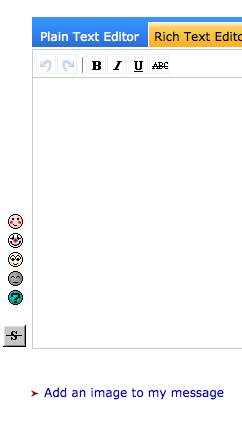
1. Under the box you type text into, click on 'Add an image to my message'.
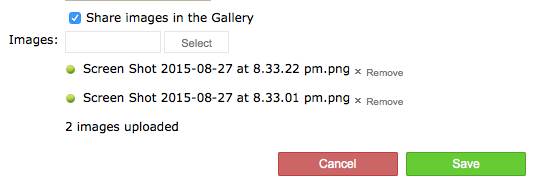
2. Click on the Select button which takes you to a window where you need to navigate to wherever the images are on your computer. Select one or more and click 'Open'.

3. You'll then see the images are listed below the Select button you had before. Click save and they'll appear in the text box.
Select to expand quoteLexmark said..
HI JUST A QUICK QUESTION ONE I SHOULD KNOW.........HOW TO LOAD PHOTOS ??????????????
Looks like you've figured it out